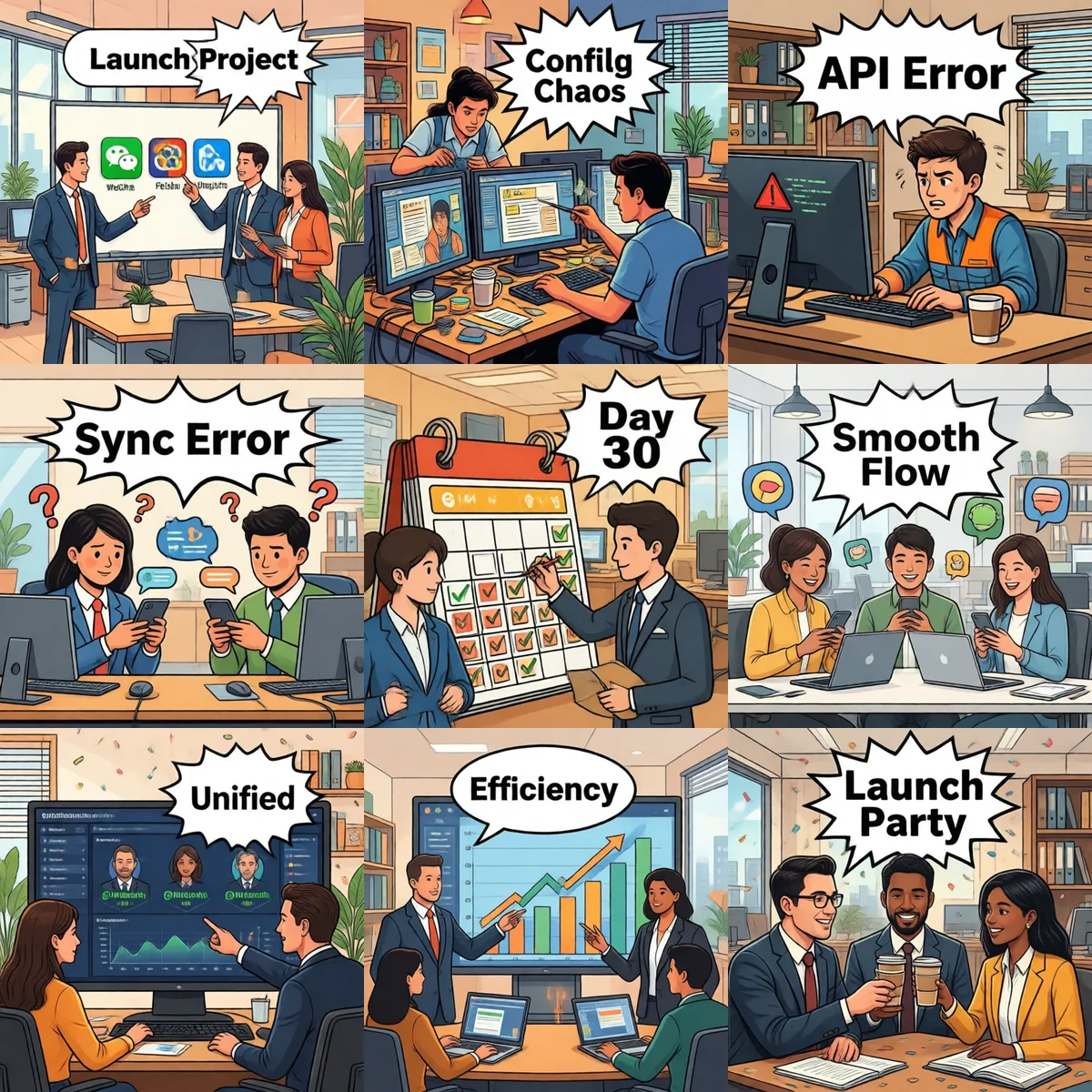
30 Days to a Unified Multi-IM AI Assistant: Generic SOP Timeline
Feishu + WeCom + DingTalk · deployment playbook
2026-07-15 · Leo · SOP · 8 min read
TL;DR — A generic 30-day SOP: roll out a unified AI assistant across Feishu + WeCom + DingTalk. Weekly tasks, required resources, risks, and exit criteria. No fictitious clients; all numbers are generic industry baselines for reference only.
⚠️ Disclaimer: This is a generic operations manual based on multi-IM AI rollout methodology. It does not refer to any real customer; all numbers are generic industry reference baselines. Real outcomes will differ based on scale / industry / team setup. Specific deployments require adjustment to actual scenarios.
1. Scope (what 30 days can / can't deliver)
✅ What 30 days delivers
Three major IM platforms (Feishu / WeCom / DingTalk) wired up to the AI assistant
Employees invoke AI in DMs and group chats via their existing IM
Basic knowledge base (company policy / FAQ / common questions) live
IT admin console for unified account / permission / rate-limit management
Basic conversation mirroring (your own storage, not just IM's)
AI directly driving business actions (AI auto-firing reimbursements / approvals) — high-compliance risk, impossible in 30 days
Cross-IM unified user identity — IM platforms don't expose this; needs a bridging middleware layer
2. 30-day weekly timeline
Week 1 · Environment & accounts Tasks: (1) Apply for corporate self-built app accounts on 3 IM platforms; (2) Provision 1–2 intranet servers (8GB + 16GB minimum); (3) Get SSL cert + domain (already filed ICP); (4) Prepare deployment packages for DB / cache / vector DB / AI main service Risk: Corporate approval can take 3–5 days — apply in parallel Exit criteria: 3 IM app accounts with App ID + App Secret; servers SSH-able
Week 2 · IM integration Tasks: (1) Deploy AI service on intranet; (2) Configure callback URLs for 3 platforms; (3) Build minimal "user sends → AI replies" loop (echo first, then LLM); (4) Set up rate limits (default 100 QPS per platform) Risk: WeCom callback signature is the most error-prone (concatenation order, token mismatch) — get vendor's official demo working first, then port Exit criteria: 3 platforms all "Q → A" (even if A is a hardcoded "feature in development")
Week 3 · Knowledge + Skills Tasks: (1) Curate internal docs (FAQ / policy / ops manuals); (2) Ingest into vector DB; (3) Configure 3–5 core skills (support Q&A / policy lookup / ops guidance); (4) Mandate "AI must cite source" rule Risk: Sensitive fields (ID / salary / bank) must be redacted before ingest, otherwise leakage risk Exit criteria: Employee asks "how do I request leave", AI cites the policy doc with answer
Week 4 · Pilot + training Tasks: (1) Pick 1 department (recommend support or admin); (2) 4-hour training (how to use in 3 platforms + feedback channel); (3) Collect 1 week of feedback; (4) Fix top issues Risk: Don't roll out company-wide at once, pilot failure rollback cost is too high Exit criteria: Pilot department uses ≥ 3 times/day, complaint rate < 5%
3. Key risks (by likelihood)
Risk
Scenario
Mitigation
WeCom callback signature silent failure
Callback URL keeps failing validation
Run the official demo first, then port
DingTalk group bot vs. bot app confusion
Webhook sends, bot doesn't receive
Standardize on internal corporate apps; Webhook only for fallback notifications
Feishu per-tenant 100 QPS cap
Company-wide @-bot storm → 429
Token bucket / sliding window in front of AI, cap ~80 QPS
KB version drift
Employee hits expired policy
Every KB entry carries "effective date", auto-grey when expired
Sensitive field leakage
Employee A sees Employee B's salary
Output filter hard-redacts (ID / card / salary defaults)
Conversation silos, hard to audit
CEO asks "what did the AI tell X yesterday"
Mirror every conversation to your own storage, not just IM's