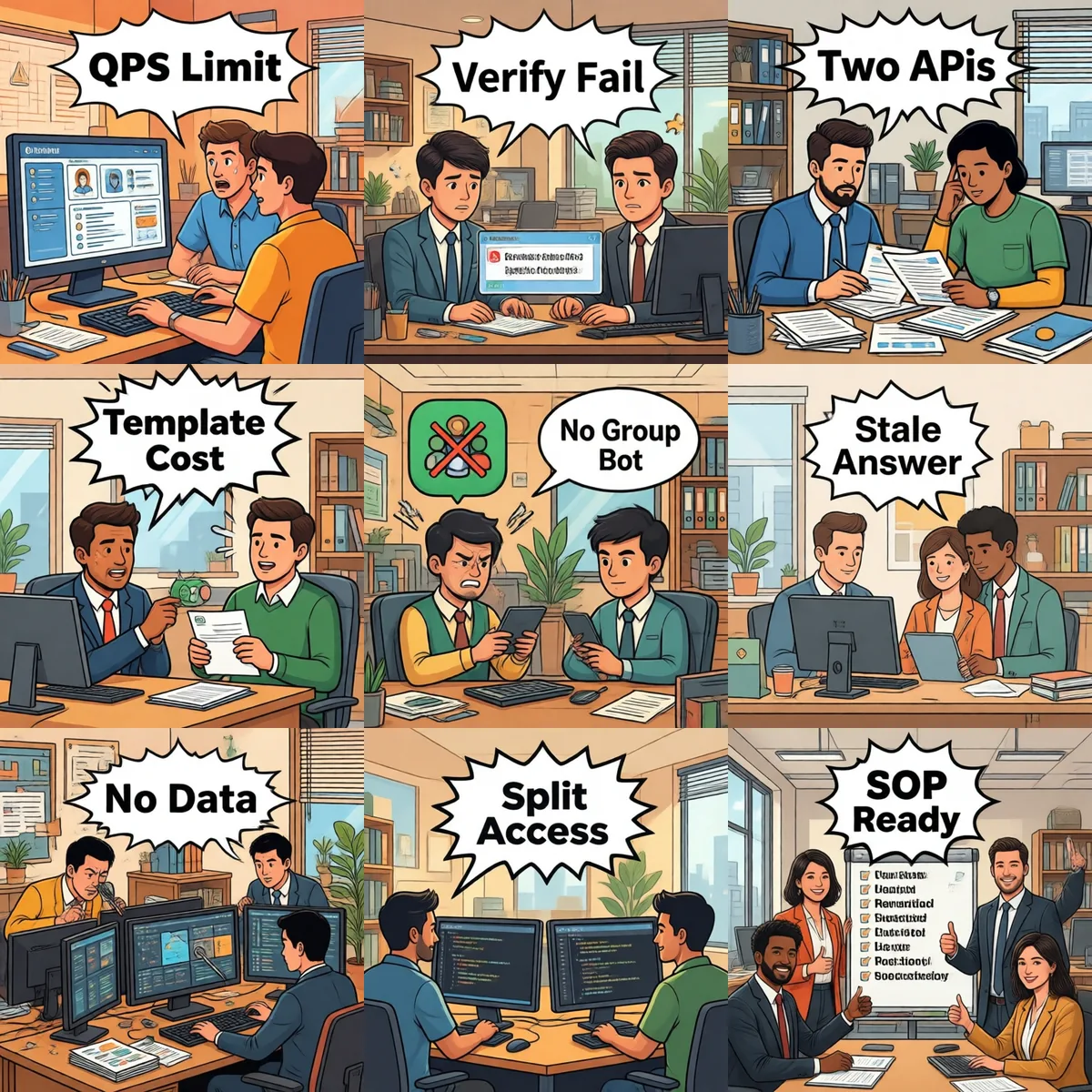
Feishu · WeCom · DingTalk · WhatsApp · QQ — real rollout, real lessons
2026-07-14 · Leo · 12 min read
TL;DR — "One AI bot that works in every chat app"? Eight pitfalls you'll hit within six months of running AI in five IM platforms at once: Feishu rate limits, WeCom signature dance, DingTalk bot type confusion, WhatsApp 24-hour window, QQ sandbox quirks, stale knowledge, audit silos, and over-permissive tools. A 5-step SOP at the end saves the second half of your sanity.
1. Feishu: 100 QPS per tenant—nobody tells you upfront
Pitfall: All-hands Q&A spike → 429 storm → bot looks dead for 30 minutes
Feishu's rate limit is per-tenant, not per-bot. A 200-person company asking questions at once will brush past 100 QPS in seconds. Error code 230020 shows up in server logs but the team just sees a frozen bot.
✅ Fix: a token-bucket or sliding window in front of your AI service, capped around 80 QPS per tenant. Pair it with Feishu's async message receipt so questions are captured even if the answer is delayed—users see a "let me check" instead of a silent bot.
2. WeCom: Callback URL validation silently dies
Pitfall: Callback returns blank, no clue what's wrong
When WeCom validates your callback URL it expects sha1(msg_signature=...×tamp=...&nonce=...&echostr=...) with the exact concatenation order, an exact match on token and EncodingAESKey, and zero whitespace/CRLF surprises. Get any of it wrong and you get an empty response with no error—four takes minimum for me before I gave up and rebuilt from the official demo.
✅ Fix: run the vendor's official demo end-to-end first (PHP/Java/Python all ship), verify it can echo, then re-implement on top of your service. Saves hours.
3. DingTalk: Group Bot API vs. Bot App API—two different things
Pitfall: Sent fine via ChatAPI, received nothing via Bot
DingTalk runs two parallel bot systems: Webhook group bots (read-only-ish notification bots) and Bot Apps (full send/receive with corporate identity). Most teams mix them up; only realize when an admin is removed and the bot silently loses send permissions.
✅ Fix: standardize on Bot Apps (internal corp apps with work notification API). Keep Webhook as a fallback for plain notifications (e.g., daily patrol digests). Their rate limits, auth, and revocation rules differ completely.
4. WhatsApp Business: The 24-hour session window
Pitfall: Customer asks something → no reply after 24h
WhatsApp Business Policy: within 24 hours of the customer's last message you can reply freely; after that you must use a pre-approved template message and the templates cost money. Generic AI bots "fall asleep" once the window closes and the customer just sees silence.
✅ Fix: tell the customer the window has expired and ask them to ping again to reopen it. If you're serious about overseas sales, get 5–10 templates pre-approved so the bot can continue without a human in the loop.
5. QQ Open Platform Bot: Three paths, limited docs
Pitfall: Expects QQ group bots to be like WeChat—one quick token
QQ's Open Platform Bot is its own onboarding: choose channel bot vs. group bot, register a corporate entity (individual / individual business / enterprise—all have different resource quotas), and accept that group bots still roll in waves. Docs are thin.
✅ Fix: if you've already integrated Discord/Telegram/WeChat bots, keep QQ as a "nice-to-have" instead of a hard requirement. Most teams happily let QQ groups forward to WeCom or Feishu where their main bot lives.
6. Stale Answers: AI gives a 2023 discount table in 2026
Pitfall: Sales asks about current renewal discount, gets last year's table
The worst one I've seen: a salesperson asked the AI about a renewal discount and got a three-year-old pricing sheet. Reason—the old PDF stayed indexed after the new one came in; nothing in the knowledge base workflow invalidated it.
✅ Fix: (1) Version the knowledge base—v1, v2, v3. (2) Every answer carries source document + last-updated timestamp. (3) When the AI can't find a match, it must literally say "not found" rather than guess. AI is happy to invent; you have to disable that explicitly.
7. Audit Silos: "What did the AI tell John yesterday?" — nobody knows
Pitfall: Each IM stores its own history, audit can't stitch them
Feishu has Feishu export, WeCom has compliance archive, DingTalk goes to its own store, WhatsApp goes to Meta Business Manager, QQ has yet another console. HR / Legal / Customers ask "what did the AI tell this user yesterday?" and IT genuinely can't answer.
✅ Fix: (1) Mirror every conversation to your own storage first—unstructured logs are fine; treat the IM app as a transport layer. (2) Compliance export goes through your warehouse. (3) Maintain a user identity map across platforms—phone, name, work id, WeCom userid don't naturally line up.
8. Permission Sprawl: Even admins can run shell commands
Pitfall: AI can ping servers because tool permissions are wide open
Feishu's "bot receives a message in a group" and "bot can use a tool" are two independent switches. Default behavior usually leaves tools unrestricted—so HR asks "how do I reset my Wi-Fi?" and the AI cheerfully pings servers.
✅ Fix: model tools as a 2-D matrix of department × tool. Engineering can run shell; HR can only query documents. Once you've nuked a table because of this you'll never forget to set it up.
SOP: the 5 steps that save the second half of your sanity
Pick one platform first. Get one IM rock-solid before adding a second. Feishu + WeCom covers ~90% of Chinese enterprises.
Rate-limit upstream. Document each platform's QPS ceiling and retry policy. When someone asks "why isn't it responding" you should be able to answer from a table.
Version the knowledge base. v1, v2, v3. Force citations.
Mirror data first, chat second. Compliance depends on this.
Two-dimensional permissions. department × tool. No "super-admin by default".