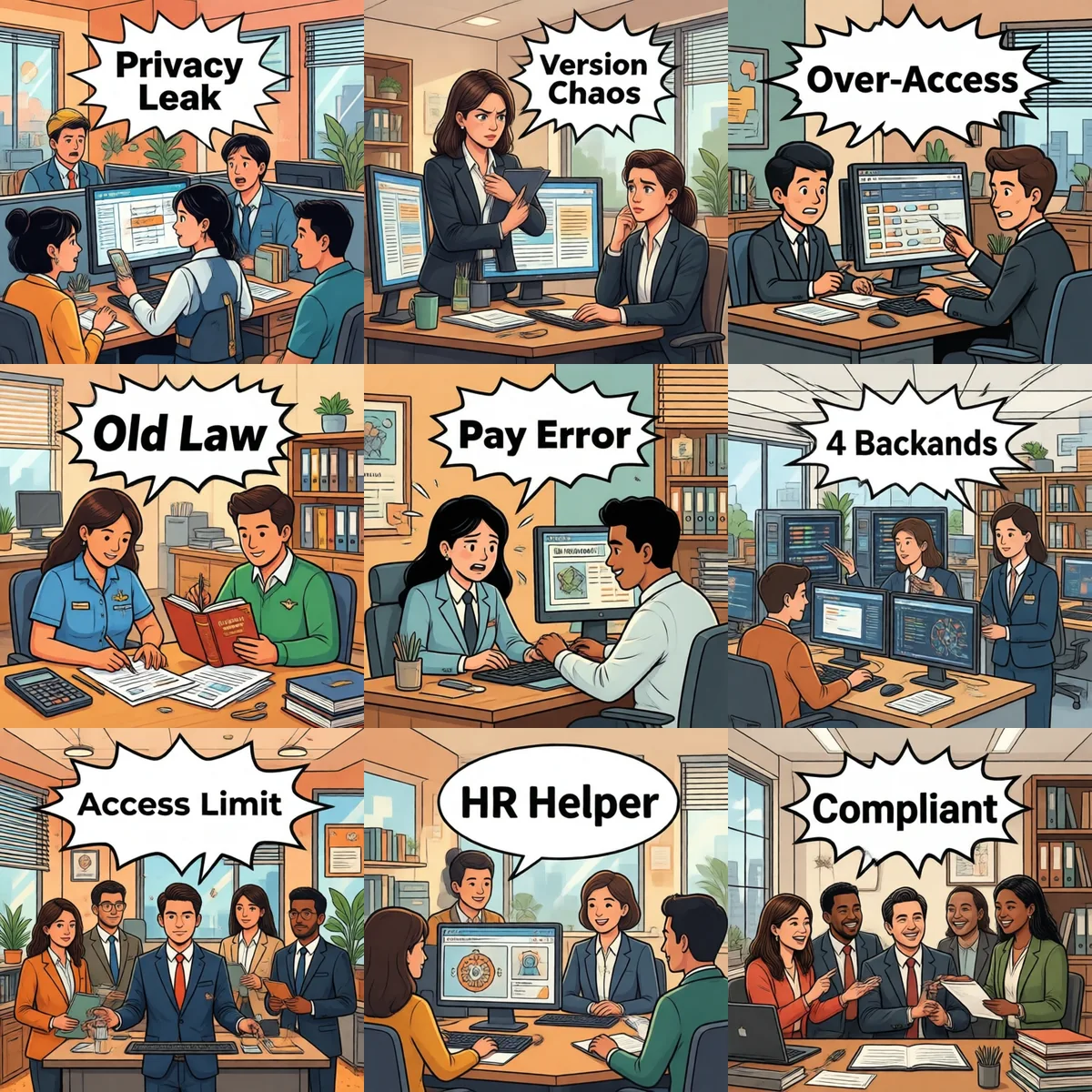
TL;DR — HR/admin AI is harder than it looks. Six pitfalls you can't avoid: privacy leaks (employee A sees B's salary), onboarding knowledge-base version drift, oversize permission matrices, payroll math using outdated regulations, social insurance field mistakes that misroute money, offboarding scattered across N backends. SOP at the end is a 90-day rollout.
1. Employee privacy leaks
Pitfall: employee asks "why is my paycheck low?" — AI replies with a peer comparison from another employee's record
HR AI's most common failure mode isn't answering wrong; it's leaking one employee's data to another. When RAG retrieves the wrong document, employee A sees employee B's salary details — double violation of labor law and personal data protection law, with HR personally on the hook.
✅ Fix: (1) Output filter hard-redacts ID / bank / salary / phone fields by default. (2) Knowledge-base queries must include the current user's identity as a filter — never let AI search the whole KB and pick. (3) Any "look up someone else's record" request gets a flat refusal. In HR AI design, privacy is always priority #1 — efficiency is #2.
2. Onboarding knowledge-base version drift
Pitfall: new hire asks "what do I bring on day 1?" — AI replies with 2024's checklist
HR has three document classes: onboarding flow (social security card, physical, contract), company policy (attendance, leave, reimbursement), and training materials (product, compliance, systems). Three document owners, three update cadences — new hires see three inconsistent versions and trust collapses.
✅ Fix: uniform version numbers + every answer cites source. AI must cite: KB version + last update time + document section. New hires see "this answer reflects policy v3.2.1." When a version expires, the HR team gets an auto-reminder to review.
3. Permission matrix too wide
Pitfall: admin assistant asks "where is the CEO today?" — AI cheerfully returns the CEO's home address
AI's "tool-call" switch is the HR scenario's biggest hidden risk. With bad permission design, every employee becomes a super-user — they ask Q about A, AI uses a tool only B should have. Most common: "look up manager's contact" gets pulled by anyone.
✅ Fix: two-dimensional matrix (role × tools). Admin → ["policy lookup", "public contact book"]. HR manager → ["policy", "employee file (redacted)", "salary"]. CEO → ["policy", "employee file", "salary"]. Every tool call checks permission first, refuses explicitly when out of scope — never silent no-op.
4. Payroll math with stale labor regulations
Pitfall: employee asks "how is 8h weekend overtime paid?" — AI cites 2014 labor law
Labor regulations get updated every 1–2 years (overtime base / marriage leave days / sick leave pay). If the KB still cites 3-year-old policy, overtime payouts are short by 30–50%. Employees lose money; the company faces labor arbitration.
✅ Fix: (1) Version by year (v2024.3 / v2025.1 / v2026.2), AI must say "per policy v2026.2". (2) Any answer involving money forces AI to add "please verify with HR". (3) HR reviews the KB quarterly and tags expired clauses.
5. Social insurance fields wrong → misrouted payouts
Pitfall: AI returns social-insurance base → finance pays the employee that amount → reality is 800 RMB lower
Social insurance and housing fund data are high-frequency + mistake-equals-money domains. 99 correct + 1 wrong = finance sends the wrong amount → employee discovers late → company refunds + bank fees.
✅ Fix: (1) Any money-related answer must cite source (screenshot / original passage). (2) Finance double-checks every AI value before paying — AI never directly drives payouts. (3) KB money fields highlighted in red, AI must output the highlight along with the value.
6. Offboarding scattered across N backends
Pitfall: employee quits → IT closes Feishu → finance / HR / business system forgotten → ex-employee still gets pay slips
Offboarding is a system: email / IM (Feishu / WeCom / DingTalk) / HR system / finance reimbursement / business backends. Miss one and the ex-employee still has access to company data. Most common result: post-exit access to CRM, still receiving company emails.
✅ Fix: AI assistant layer does "one-click offboard". HR submits the offboarding form, AI fires API calls to all 4 backends, confirms within 10 minutes. Receipt list returned to HR; any backend failure = high-priority ping for HR to manually close. 30× faster than IT clicking 4 backends, error rate drops from 30% to under 1%.
SOP: 90 days to a working HR/admin AI
W1–2: Permission matrix + tool allowlist — this comes before the KB.
W3–4: Privacy filter — output hard-redacts ID / salary / bank fields.
W5–6: KB versioning — vYYYY.N naming, every answer carries version.
W7–8: High-frequency safe Q&A — onboarding / offboarding / overtime / leave, the 4 most common.
W9–10: Money-field tagging — money-related answers force citation + red highlight.
W11–12: One-click offboard + pilot — pick one department, 30 days, expand.
🤝 HR/admin scenario your company wants AI-ified? Want a sanity-check on this list against your stack?
📧 278946228@qq.com — usually a reply within 24 hours.
Running these problems at work?
One console for Feishu / WeCom / DingTalk / Weixin / QQ — policies on demand, no more chasing colleagues