Launch is the starting line. Adoption is the acceptance test.
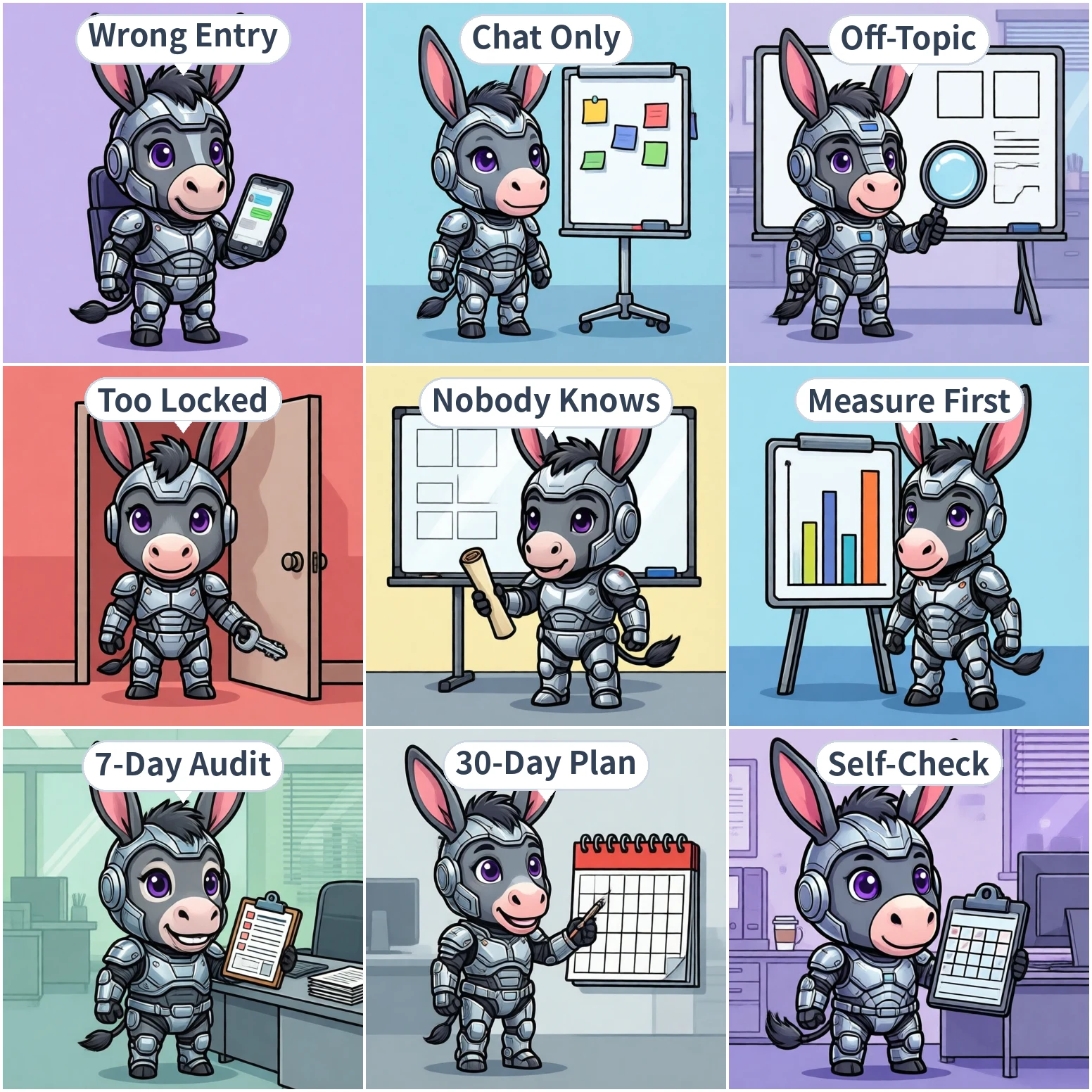
"Three months after launch, daily active users are in the single digits." That's the most common ending for enterprise AI projects—and the most commonly misread one. The usual explanation is "employees aren't used to AI" or "people still prefer asking a colleague." It sounds reasonable, and it hides the actual engineering problems.
Adoption is really a product of four factors:
adoption = entry convenience × hit rate per question × range of things it can do × share of people who know what it doesIf any one factor approaches zero, the whole thing approaches zero. Most projects optimize exactly one of them—usually "how good are the answers"—and never measure the other three.
Here are the five most common reasons, each with the symptom and the fix.
Symptom: The admin console shows plenty of bound accounts, but daily activity is low. Ask around and everyone says, "I know it exists, I just never opened it."
If your AI assistant is a standalone website or a separate app, you are asking employees to change how they work. Something that used to take one message to a colleague now requires switching to a browser, logging in, and asking again. In an enterprise setting, those extra steps are effectively a veto.
The fix: put the assistant inside the chat tools employees already use. Feishu, WeCom, DingTalk, Weixin, QQ, Teams, and WhatsApp can all serve as entry points—employees @ it the way they'd @ a colleague. On the admin side, you need to handle platform bindings: QR-code binding for Feishu/WeCom/Weixin, configuring QQ bots, Teams bots, WhatsApp bot numbers, and so on. Bind once, available company-wide.
A testable criterion: from the moment an employee has a question to the moment they hit send, how many clicks does it take? More than three, and the entry point needs rework.
Symptom: Lots of curiosity during the trial period, then silence after two weeks. Look at the transcripts and the questions cluster around "what's the weather" and "write me a poem"—content with no business value.
The reason: when the assistant can only give advice and can't actually finish the task, employees try it twice and conclude "it's faster to do it myself." What raises adoption is the ability to act: reading files, writing documents, executing commands, searching the web and verifying results, and remembering personal preferences. Ask it to "summarize last week's client meeting notes into follow-up points and draft a thank-you email," and a chat-only assistant returns advice while an assistant that can act produces the files.
The fix: find the three tasks in your company that are "repetitive, fixed-step, and produce a concrete artifact" (weekly report rollups, client follow-up notes, policy Q&A, for example) and turn those three into executable skill templates. Don't aim for omnicompetence on day one—let employees feel that it actually did the work on a real task.
Symptom: An employee asks "how do I request annual leave" and gets a generic labor-law answer instead of your company's own process. Ask about expense limits and you get "companies generally..."
Answers like that destroy trust fast. The first time an employee sees an answer that contradicts company policy, they stop asking—and they tell colleagues not to bother.
The fix: connect your own documents and have the assistant check the knowledge base before answering, citing a source for every key point. When nothing matches, it should say so plainly rather than passing off a generic answer as company policy. Uploaded documents get split and indexed automatically, usually usable within minutes.
The next layer is department scope: the support team's playbook visible only to support, finance policies only to the relevant departments, each knowledge base built per department and aligned with the org chart. That way the answer an employee gets is "our department's policy," not "what the internet says."
Symptom: Every capability is off by default, so every question returns "sorry, I don't have permission." Or the opposite: everything is on, a small incident happens, and it's all switched off at once.
Both extremes kill adoption. With everything off, employees can't build a single positive experience. And the post-incident blanket shutdown wipes out whatever habits had formed.
The fix: assign capabilities by role instead of all-on or all-off. Save the steps for "how we do this here" as skill templates and assign them per department—expense rules for finance and all-staff lookup, coding standards for engineering only. The console can toggle common commands globally, so admins control which commands employees can run. Internal systems connect via standard protocols (such as MCP), and each server's on/off state plus which Agents can load which remote tools are manageable per department.
At the same time, close the traceability gap: who asked what and when, what the assistant did, which files it touched—all reviewable. That's the precondition for IT to grant permissions at all, and it's also the precondition for adoption to rise. Permissions and adoption grow together; they aren't sequential.
Symptom: Daily activity is low, but every demo gets people excited. Two days after the demo, everything is back to normal.
This is the most overlooked reason: employees aren't unwilling—they don't know when to use it. Without concrete scenarios described in their language, the assistant stays a tool people have heard of but never think to open.
The fix: translate capabilities into job language, not feature lists. Don't send "we've launched an AI assistant with knowledge base Q&A and file operations." Send "Sales folks: drop last week's client meeting notes in and it'll turn them into follow-up points and draft a thank-you email."
Three approaches work well:
When adoption is low, the most common mistake is to start changing features immediately. The right order is to measure which link is broken, then act. This takes seven days and needs no extra systems.
Get four numbers from the console: bound accounts, active users in the last 7 days, questions per user, and the distribution of question topics. What matters isn't the total but the distribution. If questions cluster around a handful of people, you have "seed users active, everyone else locked out." If they cluster on content with no business value, it's a capability or scenario problem.
Split users into three groups: active (3+ uses per week), dabblers (used it once or twice and stopped), and never-used (bound but never asked anything). These three groups have completely different problems; looking at them together leads to the wrong conclusion.
Pick 3-5 people from each segment and ask only: ① When did you last want to use it? ② Why didn't you? ③ If it could finish one thing for you, what would it be? Don't ask "what do you think of the product"—you'll only get polite noise.
Map the interview results back onto the five reasons. In practice, dabbler churn is usually reason 1 or 2 (awkward entry, too weak). Never-used users are usually stuck on reason 5 (no idea what it does). Complaints from active users are usually reason 3 or 4 (inaccurate answers, insufficient permissions).
Pick the highest-impact link, change it, and watch the active-user curve for two weeks. Change several at once and you'll never know which one worked.
Once diagnosed, move to execution. This checklist is organized by week and can be used as-is:
| Week | Action | Done when |
|---|---|---|
| 1 | Consolidate entry points: usable inside the IM employees already use, no new software | A new hire reaches their first question in ≤ 3 clicks |
| 1 | Connect knowledge: upload and index company policies, processes, and handbooks | Spot-check 10 frequent questions; answers match company policy and cite sources |
| 2 | Scenario cards: three per department, stating when to use it and how to ask | At least one person per department asks via a card and gets a usable result |
| 2 | Seed users: one or two per department, running it on real work first | Seed users use it proactively 3+ times per week |
| 3 | Capabilities by role: skills and commands toggled per department, not all-on/all-off | At least three departments have their own skills |
| 3 | Traceability: action logs, cost records, and an issue reporting channel in place | You can answer "who had it touch which files last week" |
| 4 | Review: turn valuable conversations into skills and retire unused ones | Skill count grows and every skill was called in the last 7 days |
Week 1 is the foundation. Without the entry point solved, every later promotion is advertising a tool nobody opens. Without knowledge connected, the very first question burns an employee's trust.
Finally, a 10-question self-assessment. One point each; below six, hold off on promotion and go back to the foundation:
| # | Item | Pass criteria |
|---|---|---|
| 1 | Entry point | Questions can be asked directly in the IM employees already use, with no new software |
| 2 | First-run experience | A new hire completes a useful question independently within 5 minutes |
| 3 | Ability to act | At least three real tasks produce usable files from the assistant |
| 4 | Knowledge accuracy | Spot-check 10 policy questions; answers match company policy |
| 5 | Source citation | Key answers point to the document they came from |
| 6 | Department scoping | Different departments see different knowledge scopes |
| 7 | Role-based permissions | Different roles can do different things—and it isn't all off |
| 8 | Traceability | You can see who had it do what, and when |
| 9 | Scenario awareness | Ask 5 random employees; at least 4 can name a use case |
| 10 | Seed users | Every major department has at least one person using it 3+ times a week |
Item 9 deserves special attention. It doesn't measure product capability—it measures whether the tool occupies a place in employees' heads. If it fails, the other nine don't matter; adoption still won't move.
Adoption problems are product and organizational problems, not model problems. A smarter model won't make employees open the tool one more time. Putting the entry point in the right place, connecting your own knowledge, assigning capabilities by role, and describing scenarios clearly will.
If you remember one sentence: adoption is designed, not promoted.