The hard part is not comparing feature tables — it is deciding which constraints are real and which only sound important
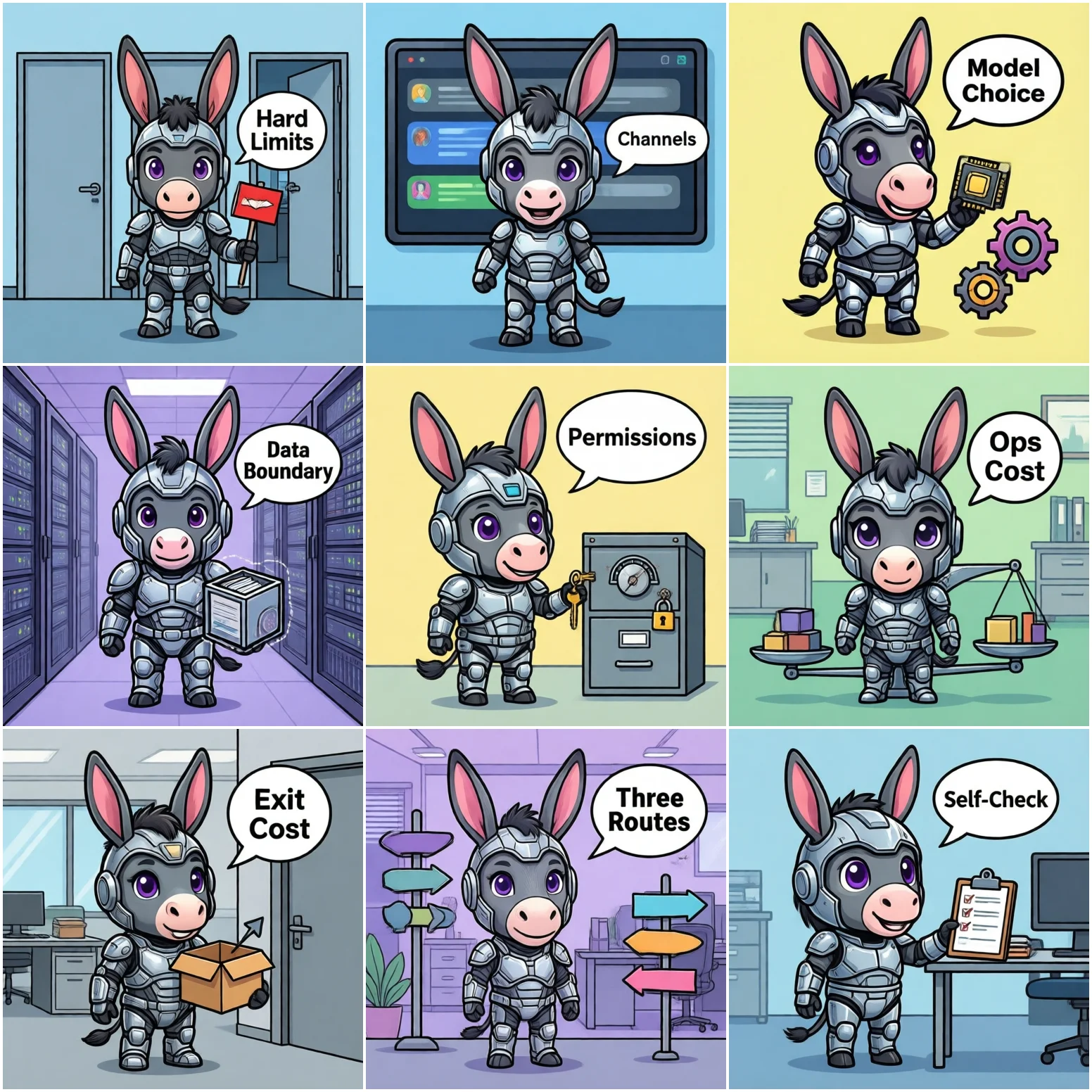
The most common way a selection project fails is this: you spend two weeks comparing feature tables, then discover the option you liked best cannot pass a compliance review. The order was wrong.
Start by answering three questions. None of them is about features, and each one eliminates a large part of the candidate list:
Once those three are answered, you usually have one or two routes left. Only then is comparing features useful.
The first three dimensions answer "can we use it at all"; the last three answer "is it expensive to live with". Score each 1-5, and treat the constraint dimensions as vetoes.
The question is "where do employees actually reach it". Typical forms: a standalone web or mobile app, embedded in an existing IM, embedded in an existing OA or approval flow, or exposed as an API for other systems.
What to check: integrating with an existing IM usually requires app-creation and callback configuration rights on that platform, and those rights often sit outside IT. Confirm early who can grant them. If the product only offers a standalone web app, you are asking employees to change how they work — the hardest change of all.
The question is "can we swap models, and can we mix them". Three typical shapes: only the vendor's built-in model; bring your own API key; load open-source models locally.
What to check: models iterate fast. Today's best model may not be the best in six months. If a product locks you to one model, you may end up replacing the whole system later. At minimum, confirm whether swapping models requires changing business code.
The question is "where does the data go, and through whose hands". Ask four things: where requests are sent; whether they are retained; for how long; and whether retention can be turned off.
What to check: many products state "not used for training" but say nothing about retention. Those are two separate commitments. In a compliance review, auditors usually want the retention policy and the deletion mechanism, not just a promise.
The question is "who asked what, and who can see what". This is the biggest gap between enterprise and consumer use: in the same knowledge base, sales and finance should not see the same scope.
What to check: three things at minimum — can knowledge scope be isolated by person or department; can you record who asked what and when; can logs be exported for audit. The third is often skipped, and you discover the gap only when something goes wrong.
The question is "who runs it after launch": who updates the model, who updates the knowledge base, who fixes it when it breaks, who buys machines to scale.
What to check: split the cost into three buckets — one-off (deployment and integration), recurring (model and knowledge maintenance), and unplanned (incidents and scaling). SaaS pushes the first two very low but can make the third (remediation forced by compliance) very high; on-prem is the reverse.
The question is "what if we want out". This is the least evaluated dimension and the most expensive one afterwards.
What to check: can the knowledge base be exported in a common format; can conversation history be exported; can the IM app be cleanly decommissioned; is any data locked inside a proprietary format. Write the export format and method into the contract up front, rather than negotiating it at the moment you want to leave.
Applying those six dimensions to the three common routes looks roughly like this:
| Dimension | In-house | SaaS-hosted | On-prem platform |
|---|---|---|---|
| Integration | Fully flexible, but you build it | Usually standalone web/app only | Can join IM / OA, needs platform rights |
| Model freedom | Complete | Largely locked to the vendor | Swappable, mixable, local models |
| Data boundary | Fully controlled | Leaves your network, depends on vendor policy | Stays inside your network |
| Permissions & audit | You implement it | At the vendor's granularity | Customizable to your org structure |
| Operating cost | Highest, needs a dedicated team | Lowest, works out of the box | Moderate, needs basic ops skills |
| Exit cost | Low (you own everything) | High (data in vendor format) | Medium (exportable, but a migration) |
| Best fit | Has a dev team, highly specific needs | No hard compliance constraint, wants a fast trial | Data cannot leave the network, must join existing IM |
Note that the "on-prem platform" column describes a capability ceiling, not a guarantee — whether a given product reaches it depends on the implementation. During evaluation, ask for a live demonstration of specific actions rather than reading a brochure: for example, "show me how many lines of config change when we swap the model" and "export a knowledge base so I can see the format".
For each question below, a "yes" tells you something about your route. Answer them together with IT, legal/compliance and the business side — the three groups often disagree on the same question, and where they disagree is exactly where your selection risk lives.
| # | Question | What "yes" implies |
|---|---|---|
| 1 | Business data may not leave the company network? | Rules out pure SaaS |
| 2 | Employees work in Feishu / WeCom / DingTalk daily? | IM integration is mandatory |
| 3 | Audit or compliance reviews happen regularly? | Permissions and log export are hard requirements |
| 4 | Different departments see different knowledge scopes? | Needs org-structure-based isolation |
| 5 | Might you swap models within six months? | Model must be replaceable |
| 6 | IT is fewer than 3 people and does not deploy models? | On-prem operating cost needs extra scrutiny |
| 7 | Do you want results within two weeks? | Favours SaaS or a managed on-prem setup |
| 8 | Do you have a dev team that can keep investing? | In-house is viable, but still count maintenance |
| 9 | Might policy or cost force a change of approach later? | Exit cost must be written into the contract |
| 10 | Does the knowledge base change frequently? | Updates must be automated, not manual |
If you answer "yes" to 1, 3 and 4, you are almost certainly on an on-prem or hybrid route. If only question 7 is a "yes", starting with a SaaS trial will save you the most time.
Every feature table lists "knowledge base", "multi-turn chat" and "permission management". The real differences are in the constraints: where the data lives, whether you can export it, who fixes it when it breaks.
"Supports WeCom" may mean "it can forward messages there", not "it can answer questions inside WeCom with permissions and audit intact".
Importing 200 documents at launch is easy. The hard part is three months later, when a policy changes: who updates it, and how often.
Not used for training ≠ not retained ≠ deletable. Confirm all three separately, and put them in the contract.
Nobody thinks about "how do we replace this later" during selection — but when the day comes, data you cannot export is the most expensive trap.
In selection, the method matters more than any verdict. The same set of constraints points to different routes at different companies, so this article deliberately does not name "the best option" — that depends on your own data boundary, org structure and IT capacity.
If you remember only one line: use hard constraints to cut the list, dimensions to score it, and the self-assessment to confirm it. Get the order right and selection gets much faster.