Rollouts rarely fail because the model isn't smart enough
Over the past two years, many companies have tried AI assistants, and the pattern repeats: week one, everyone is excited; week three, usage drops; month three, a few people ask an occasional question.
Post-mortems rarely conclude "the model wasn't good enough." What actually stalls projects: employees must install a new app to use it; IT has no idea who is asking what; finance policies and company-wide handbooks sit in one shared knowledge base; and when something goes wrong, nobody can trace who did what, when.
The six issues below come up again and again in rollouts. For each, I'll explain where it gets stuck and how it's usually solved.
This is the first gate for adoption—and where most projects stumble.
If the AI assistant is a standalone website or app, you're asking employees to change how they work—open the chat tool, then open another window to ask AI. Sounds like one extra step; in practice, most people stop opening it within three months.
The practical alternative: let the assistant live inside the chat tools employees already use. In Feishu, WeCom, DingTalk, Weixin, QQ, Teams, or WhatsApp, they @ it like a colleague—to ask about policies, request documents, or have it tidy up a spreadsheet. No new software, no habit change.
For IT, this means the admin console must handle platform bindings: QR-code binding for Feishu/WeCom/Weixin, configuring QQ bots, Teams bots, WhatsApp bot numbers, and so on. Bind once, available company-wide.
"Can chat" and "can work" are different things. Employees need the latter.
Example: a salesperson says, "Summarize last week's client meeting notes into follow-up points, and draft a thank-you email." Behind that sentence are three actions: read a file, understand it, write new files. A chat-only assistant gives you advice text; an assistant that can act actually produces the files.
These capabilities typically include: writing documents, executing commands, searching the web and verifying results, and remembering your preferences. The last one is underrated—ask once, never explain again. That's what "gets better the more you use it" actually means.
But "can act" means risk. So every step should leave a trace: what was done, which files were touched—reviewable one by one afterwards. That's issue six, and it's the precondition for IT to grant permissions at all.
The difference between an enterprise knowledge base and "dumping documents into AI" is entirely about boundaries.
The baseline capability: handbooks, expense policies, and IT standards upload, auto-split, and get indexed within minutes. When an employee asks "how do I request annual leave," the assistant checks the knowledge base first, cites a source for every key claim, and clearly says when nothing matches—no generic web answers dressed up as company policy.
But to actually run inside a company, you need a department layer. A customer-service talk-track manual should be visible to customer service only; finance rules to finance. Knowledge bases scoped per department, aligned with the org structure—far more practical than one big shared library.
One layer up: organizing relationships among concepts in documents—how policy clauses, system names, and process steps connect—so retrieval prefers related context and complex questions land more accurately.
The same assistant needs different features for sales versus engineering. All-on or all-off both fail.
The common pattern is "Skills"—saving "how we do this here" as templates. How expense reimbursement flows, how onboarding works, how to calm an angry customer. Experts can package proven workflows as Skills in the admin console; after a valuable conversation, the assistant can also draft a Skill from the steps, reviewed by an admin before going live.
Skills are assigned per department: expense rules for finance and all-staff lookup; coding standards for engineering only. The console can also toggle common commands globally—which commands employees can run, controlled with one switch.
Additionally, internal systems connect via standard protocols (MCP): each server's on/off state, and which Agents can load which remote tools, all manageable per department in the console. This solves "the more you connect, the harder to govern."
An AI assistant's value ceiling depends on how much real data it can reach.
An assistant that only reads company documents will always sound like "generic web advice." One connected to policy libraries, ticketing systems, and internal databases starts answering like a colleague who knows the business.
For integration, the current mainstream is standard protocols (like MCP), wrapping internal systems as a set of tools the assistant can call. The benefit: uniform, reusable integration—no bespoke adapter per system. On the management side, you need one place to see what's connected, its status, and who can use it.
This part is typically configured by IT and invisible to employees—they just ask questions in a chat box; which systems got called behind the scenes isn't their concern.
This is the most skipped—and most expensive to skip—item.
Here's the biggest difference between enterprise and consumer scenarios: not "does it work" but "when something goes wrong, can you explain it." At minimum, three questions must be answerable—who asked what, when; what the assistant did and which files it touched; and whether a specific action traces back to a specific person.
Supporting pieces: cost visibility—every model call is metered, so you know exactly where spend goes; and issue closure—when a tool call fails, permissions fall short, or the environment breaks, the assistant can file a report to the admin console on its own, and employees can flag unsatisfying answers, so both paths converge on diagnosis.
Permissions follow the same logic: different roles, different capabilities. Engineering can work on code in local projects; finance can only look up policies—overreach isn't possible. That's the precondition for rolling out company-wide with confidence.
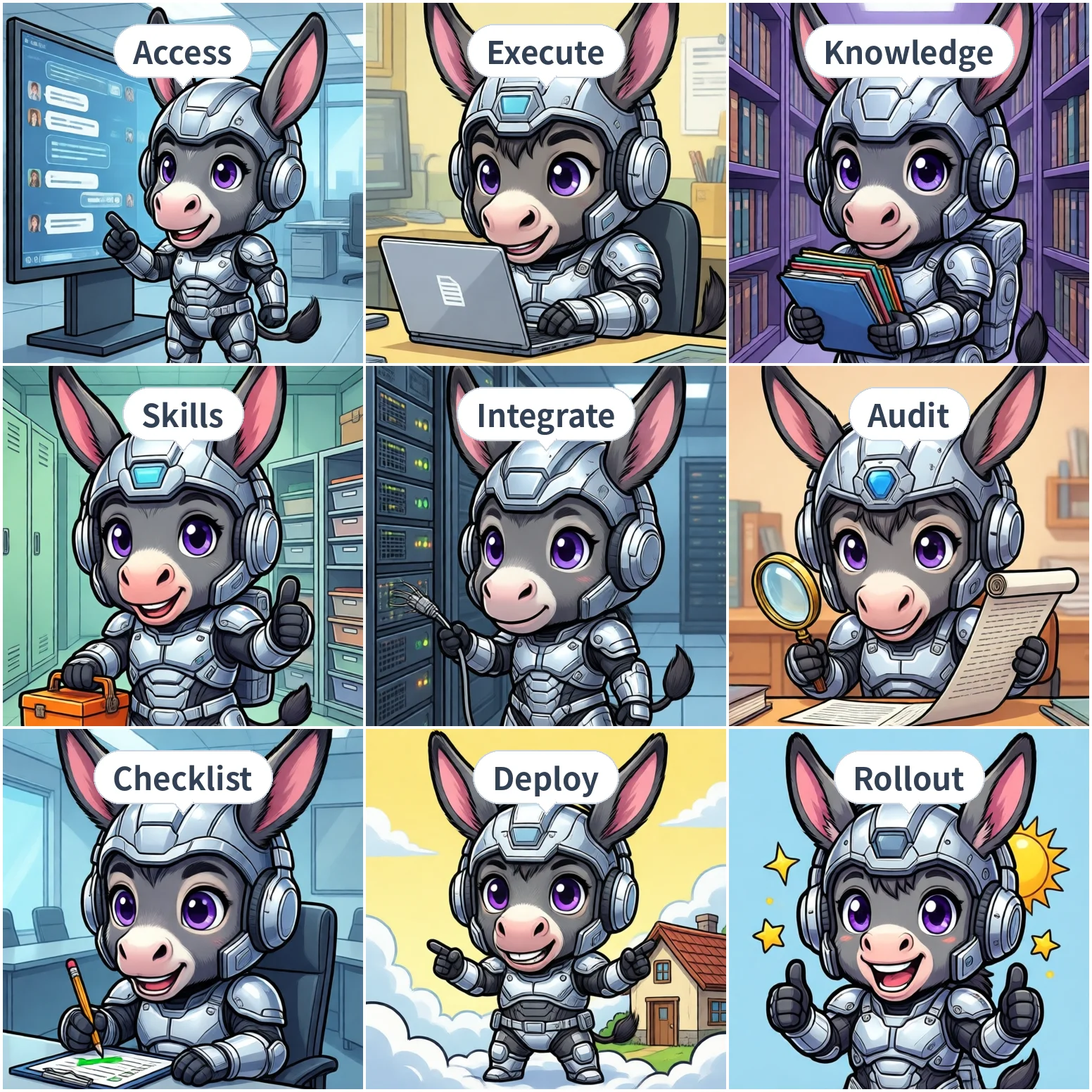
Turn the six issues into a checklist and verify each before launch:
| # | Check | Pass criteria |
|---|---|---|
| 1 | Employee access | Usable inside at least one IM employees use daily—no new software |
| 2 | Execution | Can write files, run commands, look things up—every step reviewable |
| 3 | Knowledge boundaries | Department-scoped, answers cite sources, says when nothing matches |
| 4 | Capability assignment | Skills and commands toggleable per department—not all-on/all-off |
| 5 | System integration | Internal systems connect via standard means, managed centrally |
| 6 | Traceability | Actions logged, costs metered, issues have a reporting channel |
Of the six, items 1 and 6 are most often underestimated. The first decides whether anyone uses it; the second decides whether you dare let them.
What do these six look like across industries? The use cases page breaks down five scenarios — e-commerce support, office work, retail, engineering, and logistics — so you can map them to your own team.
One last note on deployment. The six capabilities above don't depend on where you deploy—but data boundaries do.
Three common shapes: cloud (fastest to launch, data lives with the vendor), hybrid (core data on-prem, some capabilities in the cloud), and fully on-prem (data never leaves). Which one fits depends on your compliance requirements—if business data can't leave the intranet, only the last two remain.
For hardware sizing, networking, and compliance details of each shape, the deployment page lists reference configurations by team size.
One caveat: fully on-prem carries an extra ops cost—model updates, knowledge base maintenance, hardware for scaling. That line item is often forgotten.
For AI Agent rollouts, method matters more than vendor choice. The same method points to different configurations in different companies, so this article doesn't answer "which vendor is best."
If you remember one sentence: solve the two ends first—where employees use it, and whether you can trace what happened. Only then do the four in the middle matter.