LLMs are smart, but they don't know what's inside your company. MCP Protocol lets AI Agents securely access enterprise files, databases, and APIs — no more hallucinations
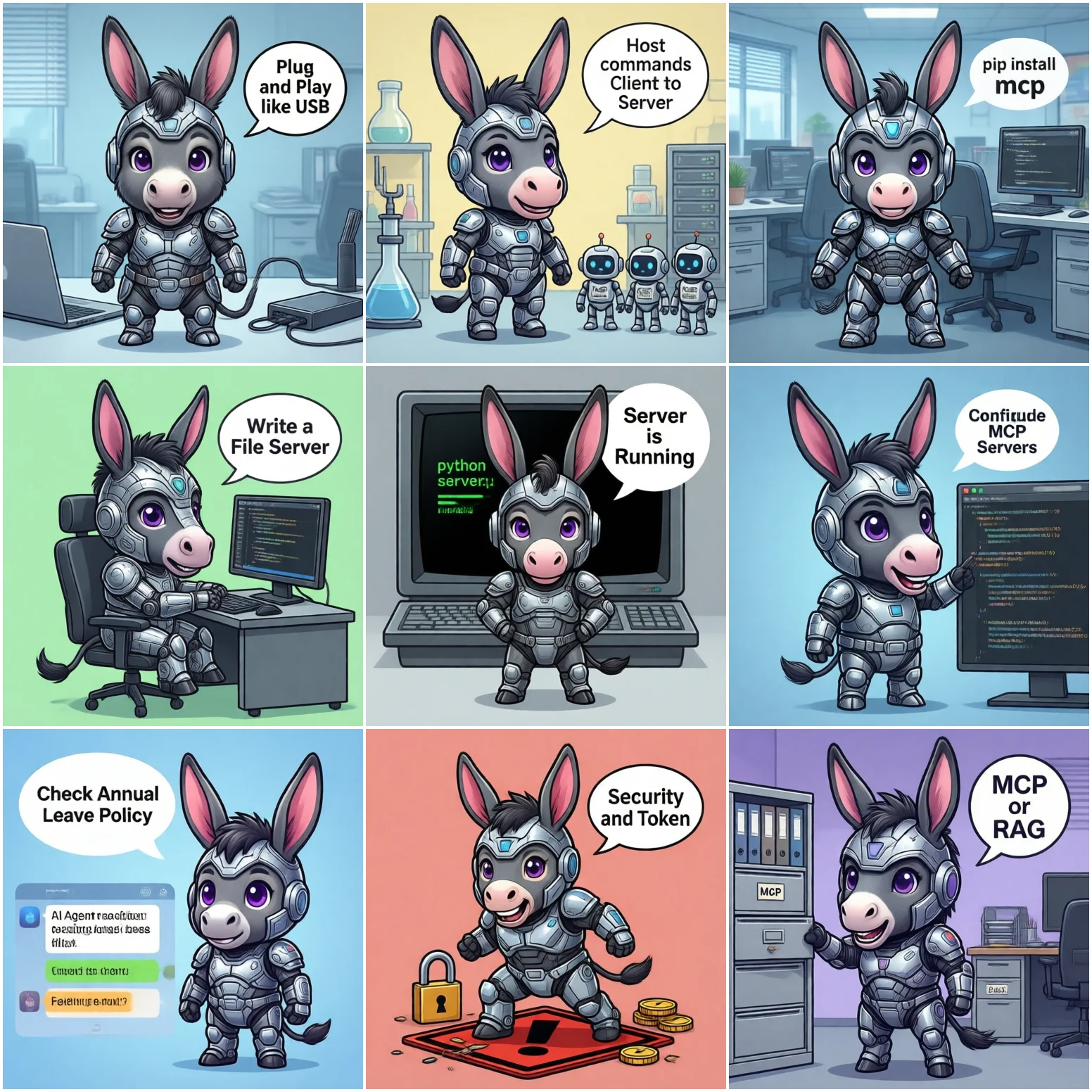
After deploying an AI Agent, the first frustration is clear: it answers general questions well but knows nothing about your company policies, contract templates, project status, or customer records.
Two traditional solutions exist:
MCP offers a third path: a standardized protocol layer, like USB for AI. Plug-and-play data source access without writing custom integration code for each source.
MCP (Model Context Protocol), open-sourced by Anthropic, standardizes how AI Agents communicate with external data sources.
Analogy: USB lets computers connect to peripherals (mouse, keyboard, hard drive) without custom drivers for each. MCP lets AI Agents connect to data sources (files, databases, APIs) without custom integration code.
MCP has four core components:
| Component | Role | Analogy |
|---|---|---|
| Host | The AI application itself (e.g., Mule Agent) | Computer |
| Client | Maintains one connection per data source | USB controller |
| Server | MCP adapter for each data source | Device driver |
| Tools | Capabilities exposed by Server to the Agent | Device feature API |
# Python environment (3.10+ recommended)
pip install mcp

# Node.js environment (for JS/TS)
npm install @modelcontextprotocol/sdk
Python and TypeScript are the two official SDKs. Enterprise internal systems mostly use Python.
Start simple: let the AI Agent read files from a shared company drive.
# file_server.py
from mcp.server.fastmcp import FastMCP

mcp = FastMCP("Enterprise File System")

@mcp.tool()
def read_document(path: str) -> str:
    """Read document content from specified path"""
    import os
    # Security: only allow reading from designated directory
    ALLOWED_DIR = "/data/knowledge_base"
    full_path = os.path.realpath(os.path.join(ALLOWED_DIR, path))
    if not full_path.startswith(ALLOWED_DIR):
        return "Error: path outside allowed directory"
    try:
        with open(full_path, "r", encoding="utf-8") as f:
            return f.read()[:8000]  # Limit response length
    except Exception as e:
        return f"Read failed: {e}"

if __name__ == "__main__":
mcp.run()os.path.realpath for path normalization and check whether the final path is within the allowed directory. Prevents agents from reading /etc/passwd via path traversal.
# Mode A: stdio (local process communication, simplest)
python file_server.py

# Mode B: SSE (HTTP long connection, for remote access)
python -m uvicorn file_server:app --port 8080
stdio mode communicates via stdin/stdout, ideal for local integration. Mule Agent can call local MCP Servers directly via stdio mode.
# mule_agent_config.json
{
  "mcp_servers": [
    {
      "name": "Enterprise Knowledge Base",
      "command": "python",
      "args": ["/data/mcp/file_server.py"],
      "description": "Access company knowledge base documents"
    }
  ]
}
After configuration, the AI Agent automatically discovers and calls the read_document tool to read files from /data/knowledge_base/.
Ask the AI Agent:
"What is our company's latest annual leave policy? Please find the relevant document from the knowledge base and answer."
The Agent will automatically:
read_document("hr/vacation-policy-2026.md")Everything happens within the corporate network. Data never leaves the company, meeting data security requirements.
Problem: Without path validation, a malicious prompt can make the Agent read /etc/passwd or sensitive company files.
if not realpath(full).startswith(ALLOWED_DIR): raise PermissionError()Problem: Large documents returned in full consume massive tokens, skyrocketing costs and slowing responses.
[:8000]), or use top_k to return only the most relevant snippets. For full content, let the Agent request分段读取 in chunks.Problem: If the Server process crashes, the Agent goes silent. Users think it's "thinking" when the tool is actually unavailable.
health_check_interval (built into MCP SDK) for periodic Server health checks. Proactively tell users: "Knowledge base is currently unavailable, please contact admin."Problem: Enterprise documents often use GBK encoding (Windows-exported files), causing UnicodeDecodeError when read as utf-8.
encoding="utf-8", errors="replace" to replace undecodable characters, or try GBK first then fallback to UTF-8.Problem: Unsure if the document is complete, the Agent calls read_document on the same file multiple times.
token_used and content_length metadata in the tool's response so the Agent can determine whether it has the full content. MCP protocol supports metadata in tool results.| Dimension | MCP | RAG |
|---|---|---|
| Best for | Real-time data, frequently changing files, write operations | Large document libraries, search-style Q&A, historical archives |
| Latency | Low (direct file/API read) | High (vector search + LLM generation) |
| Implementation cost | Medium (write MCP Server per data source) | High (chunking, embedding, indexing) |
| Data freshness | Real-time (always reads latest) | Stale (depends on index update cycle) |
| Security | High (fine-grained permissions in MCP Server) | Medium (vector DB generally open) |
Practical recommendation: Use both together. MCP handles real-time, sensitive read/write operations. RAG handles large-scale document search. Typical architecture: RAG finds relevant documents, MCP fetches full details.