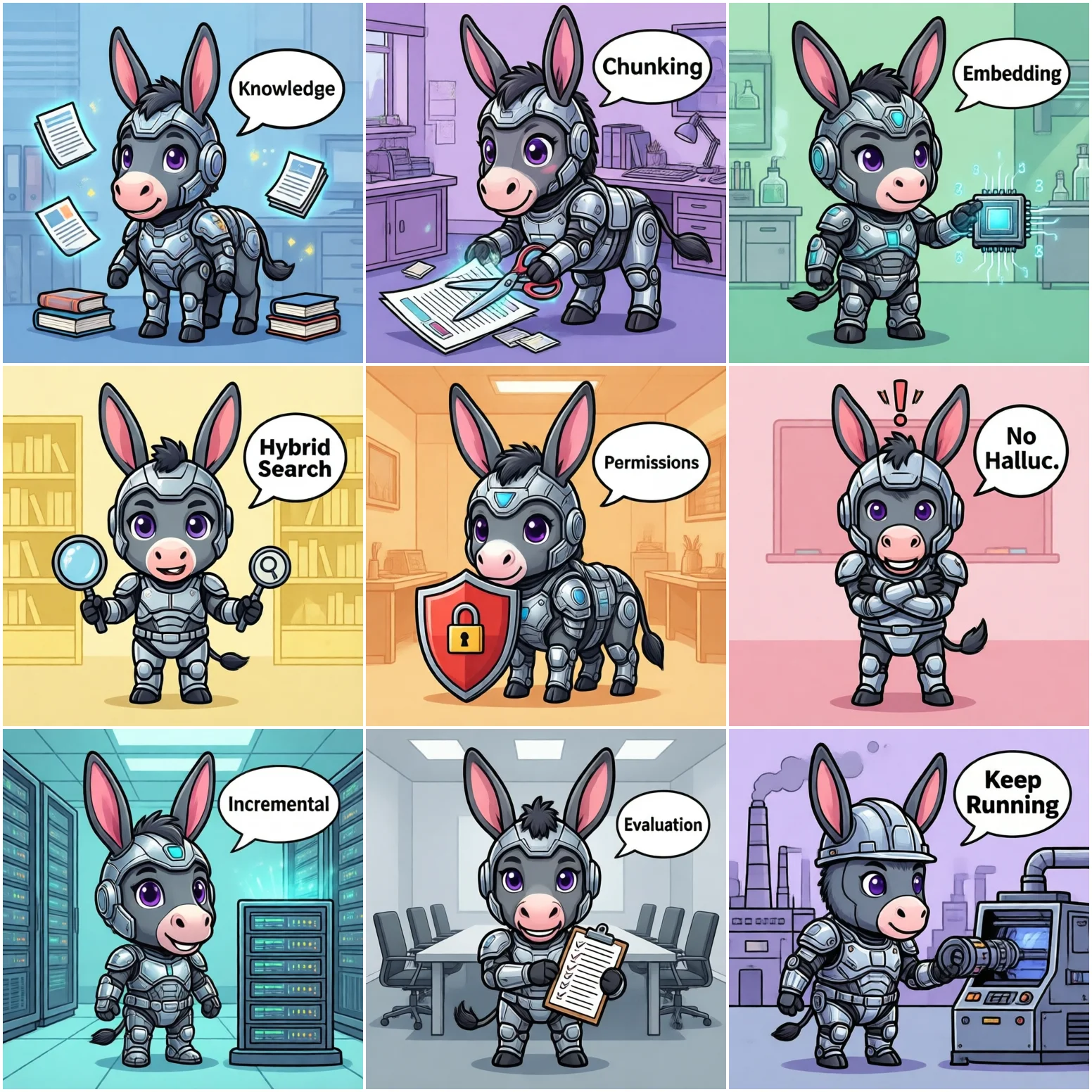
8 Pitfalls When Connecting RAG Knowledge Bases to Enterprise AI Agents
From "dumping docs into a vector store" to "answers you can actually rely on" — a real-world pitfall checklist
2026-08-17 · Leo · Pitfalls · 10 min read
⚠️ This article is a general-purpose SOP guide compiled from common patterns across multiple RAG deployments. It does not reference any specific real-world client. All figures are industry reference baselines for SOP purposes only.
TL;DR — Plugging enterprise documents into an AI Agent only gets you 20% of the way there. The real work: chunk splitting strategy, embedding model selection, retrieval recall tuning, permission isolation, hallucination control, incremental updates, and evaluation loops. Here are 8 high-frequency pitfalls with "symptom → root cause → fix" for each, plus a ready-to-use general SOP.
1. Blind Fixed-Length Chunking Splits Context in Half
Symptom
A 500-character fixed chunk slices through the key clause of a contract mid-sentence. The Agent retrieves a "half sentence" and the answer makes no sense.
Root Cause
Hard character-based splitting destroys semantic boundaries. Tables, code blocks, and clause lists are the first victims.
Fix: Split by structure first (headings / paragraphs / tables / lists), then soft-split oversized blocks with 10-20% overlap. Prefer structure-aware splitters (Markdown/HTML-aware). Tables should be their own chunks with the header preserved as context.
2. Wrong Embedding Model = Random Recall for Non-English
Symptom
Using an English-optimized embedding model on Chinese docs — user asks about "expense reimbursement process" and the system retrieves "financial reporting" instead. Relevance collapses.
Root Cause
Embedding models have language bias. Non-English content needs models trained or fine-tuned on that language.
Fix: For Chinese content, prioritize Chinese-optimized models (e.g., bge-m3, bge-large-zh). Validate recall with synonyms and domain-specific terms. Lock your model version — switching models means re-embedding everything.
3. Vector-Only Retrieval Misses Exact Keywords
Symptom
User asks "what to do when the ERP system goes down" and the vector retrieval returns a bunch of "system maintenance plans" but misses the operations manual that explicitly mentions "downtime."
Root Cause
Pure vector search is unstable with exact terms, identifiers (e.g., "GB/T 19001"), and acronyms (e.g., "API, CRM"). BM25 keyword retrieval handles these naturally.
Fix: Hybrid search — combine vector recall + BM25 keyword recall, then merge rankings with RRF (Reciprocal Rank Fusion). This is standard practice in production RAG systems.
4. No Permission Isolation = Agent Becomes a Data Leak
Symptom
A regular employee asks "what's the company bonus plan this year" and the Agent answers from a management-only document.
Root Cause
The knowledge base is globally shared with no permission filtering at retrieval time.
Fix: Tag documents on ingestion (department / role / classification level). Filter by user identity before retrieval. The LLM only sees content the user is authorized to view. This must be done at the retrieval layer — never trust the model to "self-censor."
5. Uncontrolled Hallucination: "Making Things Up" Is Worse Than "I Don't Know"
Symptom
In areas not covered by the knowledge base, the Agent "confidently" gives wrong answers that users then act on.
Root Cause
No guardrails forcing "say I don't know when you don't know," and no recall confidence threshold.
Fix: ① Prompt engineering to enforce "only answer from retrieved content, say I don't know when coverage is insufficient"; ② Set a recall score threshold — below it, refuse to answer; ③ For high-stakes domains, add self-check logic that verifies citations against the retrieved source.
6. Documents Updated but Agent Still Answers Old Versions
Symptom
New policy takes effect July 1st. By mid-July, the Agent is still quoting the old version.
Root Cause
The knowledge base only supports full rebuilds, with no incremental update pipeline — or updates didn't trigger re-embedding of affected documents.
Fix: Build an incremental pipeline: "document change → re-split → re-embed → overwrite old vectors." Tag documents with version numbers and effective dates. Prioritize currently-active versions at retrieval time. The admin dashboard should show a "recent updates" audit trail.
7. No Evaluation Set = Optimization by Guesswork
Symptom
Chunk sizes change, models get swapped, but nobody can say whether it actually improved or degraded.
Root Cause
No curated Q&A evaluation set and no quantified recall/answer metrics.
Fix: Curate 50-100 real user questions as an eval set (question + ground truth answer + citation source). Run it after every change: recall hit rate, answer accuracy, citation correctness. Without an eval set, RAG optimization is a blind box.
8. Treating RAG as a "One-Time Project" with No Owner
Symptom
Excitement for two weeks after launch, then nobody updates docs, nobody runs evaluations, broken source documents pile up, and answer quality visibly degrades.
Root Cause
RAG is not a one-time deliverable — it's a continuously operated knowledge asset.
Fix: Assign a knowledge base Owner, set update cadence, and schedule monthly quality reviews. Treat RAG as "content operations," not a "ship and forget" project.
9. General SOP: 4-Week Zero-to-Usable RAG Deployment
🤝 Need a RAG deployment plan tailored to your knowledge base? Mule Agent supports cloud, hybrid, and full on-prem deployment options. Email 278946228@qq.com for a consultation.
Running these problems at work?
One console for Feishu / WeCom / DingTalk / Weixin / QQ — policies on demand, no more chasing colleagues