Real code · Benchmark data · Production pitfalls · Cost analysis
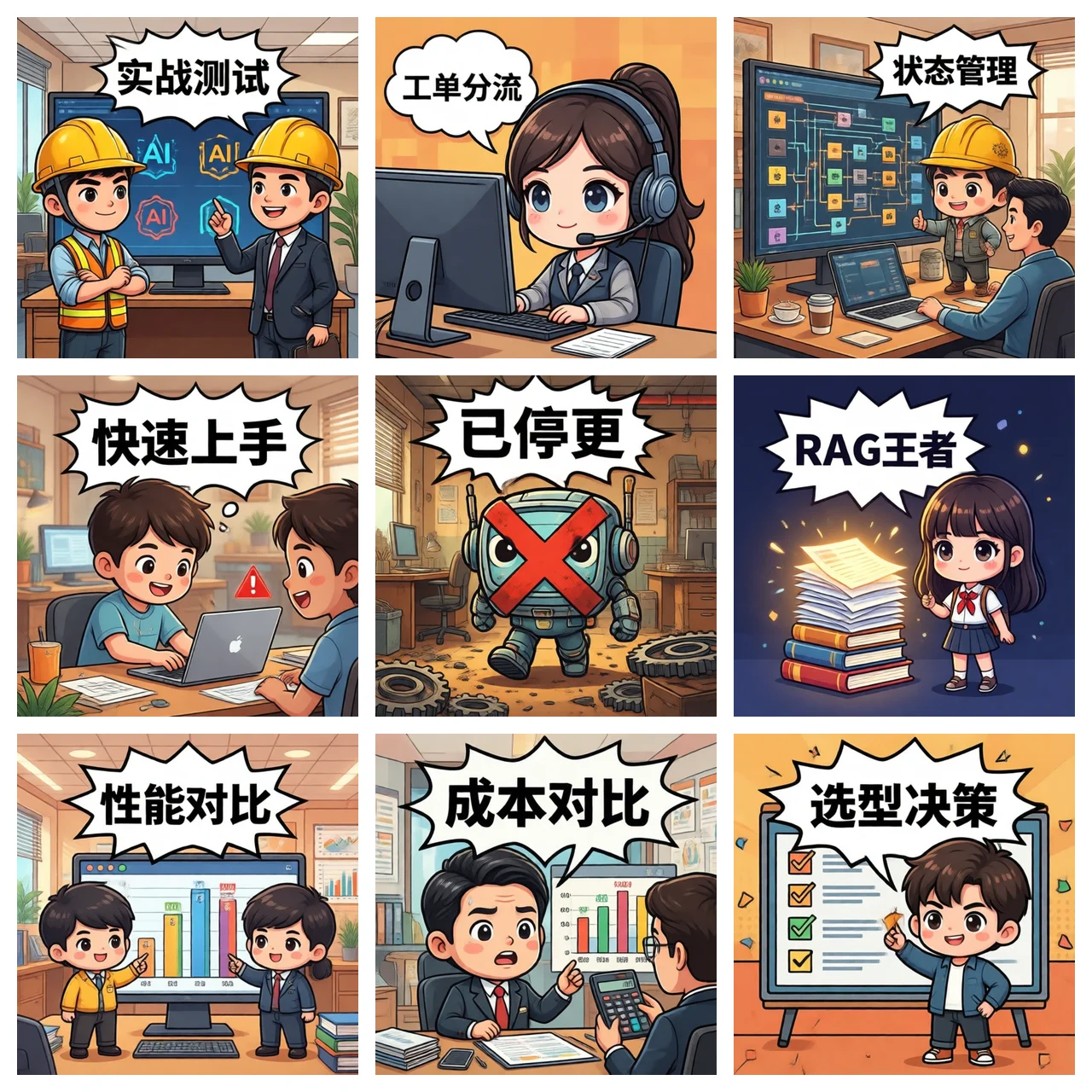
90% of "AI Agent framework comparisons" online are PPT-style — copy the official docs, list a feature table, conclude with "it depends on your scenario."
That's useless.
What actually helps: implement the same task on four frameworks, run benchmarks, count code lines, calculate token costs, see which one breaks first. That's selection.
To keep the comparison fair, I picked a real production scenario:
This task has 5 steps, 3 tools, stateful branching — it covers the core capabilities: tool calling, state management, error recovery, observability.
Code size: ~150 lines
Dev time: 10-14 days (including LangSmith setup)
Cost at 1k runs/day: $63/month
# langgraph_customer_service.py
from typing import TypedDict, Literal
from langgraph.graph import StateGraph, END
from langgraph.checkpoint.memory import MemorySaver

# Define state — every node reads/writes this
class TicketState(TypedDict):
    message: str          # customer's raw message
    intent: str           # pre-sales / complaint / tech / other
    knowledge: str        # KB query result
    reply: str            # generated reply
    assigned_to: str      # assigned agent
    ticket_id: str | None # ticket ID

def classify_intent(state: TicketState) -> TicketState:
    """Classify customer intent"""
    state["intent"] = call_llm_classifier(state["message"])
    return state

def route_by_intent(state: TicketState) -> Literal["sales", "support", "tech", "fallback"]:
    """Route based on intent"""
    return {
        "pre-sales": "sales",
        "complaint": "support",
        "technical": "tech"
    }.get(state["intent"], "fallback")

# Define the graph: nodes + edges + conditional branching
workflow = StateGraph(TicketState)
workflow.add_node("classify", classify_intent)
workflow.add_node("sales", handle_sales)      # pre-sales branch
workflow.add_node("support", handle_support)  # complaint branch
workflow.add_node("tech", handle_tech)        # tech branch
workflow.add_node("fallback", handle_fallback)

workflow.set_entry_point("classify")
workflow.add_conditional_edges(
    "classify",
    route_by_intent,
    {"sales": "sales", "support": "support", "tech": "tech", "fallback": "fallback"}
)
for node in ["sales", "support", "tech", "fallback"]:
    workflow.add_edge(node, END)

# Key: checkpointer enables resume from interruption
memory = MemorySaver()
app = workflow.compile(checkpointer=memory)| Metric | Value |
|---|---|
| Completion rate | 62% (complex tasks) |
| Avg tokens/run | 1,850 |
| Cost @ 1k runs/day | $63/month |
| Error recovery | Per-node timeout + fallback |
| Observability | LangSmith full tracing |
Code size: ~80 lines
Dev time: 2-3 days to demo
Cost at 1k runs/day: $78-102/month
# crewai_customer_service.py
from crewai import Agent, Task, Crew, Process
from langchain.tools import tool

@tool("query_kb")
def search_kb(query: str) -> str:
    """Search internal knowledge base"""
    return kb.search(query)

# Define roles — like hiring employees
classifier = Agent(
    role="Customer Service Classifier",
    goal="Classify customer message intent",
    backstory="You're a triage specialist with 5 years experience, 99% accuracy",
    tools=[]
)

sales_agent = Agent(
    role="Pre-Sales Consultant",
    goal="Answer pre-sales inquiries",
    backstory="You're a senior pre-sales who knows the entire product line",
    tools=[search_kb]
)

# Define tasks
classify_task = Task(
    description="Analyze customer message: {message}, classify as pre-sales/complaint/tech",
    agent=classifier,
    expected_output="Intent classification: pre-sales/complaint/tech/other"
)

handle_task = Task(
    description="Based on classification, query KB and generate reply",
    agent=sales_agent,
    expected_output="Final reply text + routing to agent"
)

# Assemble crew
crew = Crew(
    agents=[classifier, sales_agent],
    tasks=[classify_task, handle_task],
    process=Process.sequential,
    verbose=True
)

result = crew.kickoff(inputs={"message": "Does your XX product support customization?"})| Metric | Value |
|---|---|
| Completion rate | 54% (complex tasks) |
| Avg tokens/run | 2,400 |
| Cost @ 1k runs/day | $78-102/month |
| Error recovery | Basic retry + coarse-grained |
| Observability | CrewAI 0.105+ enterprise tracing |
Code size: ~120 lines
Dev time: 5-7 days
Cost at 1k runs/day: $84-171/month (most expensive due to uncontrollable termination)
# autogen_customer_service.py
import autogen

config = {"config_list": [{"model": "gpt-4o", "api_key": "..."}]}

# Role-based conversation
classifier = autogen.AssistantAgent(
    name="classifier",
    system_message="You're an intent classification expert",
    llm_config=config
)

handler = autogen.AssistantAgent(
    name="handler",
    system_message="You're a customer service specialist",
    llm_config=config
)

user = autogen.UserProxyAgent(
    name="customer",
    human_input_mode="NEVER",  # automated scenarios
    code_execution_config=False
)

# Group chat initialization
groupchat = autogen.GroupChat(
    agents=[user, classifier, handler],
    messages=[],
    max_round=10  # max rounds — this is the trap
)

manager = autogen.GroupChatManager(groupchat=groupchat)
user.initiate_chat(manager, message="Does your product support customization?")AutoGen drives agents via group chat — looks elegant, but has two fatal flaws:
# Classic failure: max_round exhausted before task completes
# User: Does your product support customization?
# classifier: pre-sales
# handler: [query KB] [generate reply] [write ticket]  ← step 8 not done
# max_round=10 reached → conversation ends → ticket lost

# Failure 2: infinite loop
# handler: I need more info
# classifier: Please provide order number
# handler: I need more info
# classifier: Please provide order number
# ... loops until max_roundLlamaIndex is not a multi-agent framework — it's a RAG-first agent framework. If your main task is "query documents + generate reply", LlamaIndex is still the 2026 default choice.
Code size: ~60 lines
Dev time: 3-5 days
RAG quality: Highest among the four
# llamaindex_customer_service.py
from llama_index.core import VectorStoreIndex, SimpleDirectoryReader
from llama_index.core.agent import ReActAgent
from llama_index.core.tools import QueryEngineTool

# Load documents
documents = SimpleDirectoryReader("./kb_docs").load_data()
index = VectorStoreIndex.from_documents(documents)

# Wrap KB as a tool
kb_tool = QueryEngineTool.from_defaults(
    query_engine=index.as_query_engine(),
    name="knowledge_base",
    description="Query product docs and FAQ"
)

# ReAct agent
agent = ReActAgent.from_tools(
    [kb_tool],
    verbose=True,
    system_prompt="You are a customer service assistant, reply in English"
)

response = agent.chat("Does your product support customization?")
print(response)Data source: DataCamp 2026 comparison + our own customer production runs.
| Framework | Completion | Tokens/run | Monthly @ 1k/day | Dev Time | Best For |
|---|---|---|---|---|---|
| LangGraph | 62% | 1,850 | $63 | 10-14 days | Production complex flows |
| CrewAI | 54% | 2,400 | $78-102 | 2-3 days | Quick prototypes |
| AutoGen | 58% | 2,800 | $84-171 | 5-7 days | Research / MS stack migration |
| LlamaIndex | 60% | 2,100 | $72 | 3-5 days | RAG / doc Q&A |
Scale 100x and token cost isn't linear — error rate, monitoring, and ops cost widen the gap.
| Framework | Monthly @ 100k/day | Ops Headcount | Failure Recovery |
|---|---|---|---|
| LangGraph | $5,200 | 1 person | Checkpoint resume |
| CrewAI | $8,400 | 2 people | Re-run whole task |
| AutoGen | $11,000+ | 3 people | Manual intervention |
| LlamaIndex | $6,800 | 1-2 people | Re-query KB |
What's your task?
├── Complex multi-step production flow
│   └── ✅ LangGraph (default recommendation)
│
├── Quick prototype / role-based collaboration
│   └── ✅ CrewAI (2-3 days to ship)
│
├── RAG document Q&A dominant
│   └── ✅ LlamaIndex (best retrieval quality)
│
├── Microsoft stack / .NET team
│   └── ✅ Microsoft Agent Framework (AutoGen successor)
│
└── Pure research / experiment
└── ✅ AutoGen (but not for production)Mule Agent is an enterprise AI Agent platform that needs to support 7 IM platforms + complex workflows (customer service / approvals / data queries / ticket management).
We chose LangGraph. Reasons:
Tradeoff: 3x longer dev cycle than CrewAI, but the production stability gap is even bigger.
7 IM platforms · On-premise data · API-call-based pricing · No per-seat lock-in
Whether 100 or 10,000 users, cost depends only on actual call volume.
Answer these five clearly and the framework choice becomes obvious.
In 2026 there is no "best" Agent framework, only the right fit.
Our selection recommendations for clients:
Tech selection isn't about picking the best — it's about picking the right one for your team's capabilities, business needs, and time window.