From creating a self-built app to receiving your first AI reply inside WeCom (with 4 error fixes)
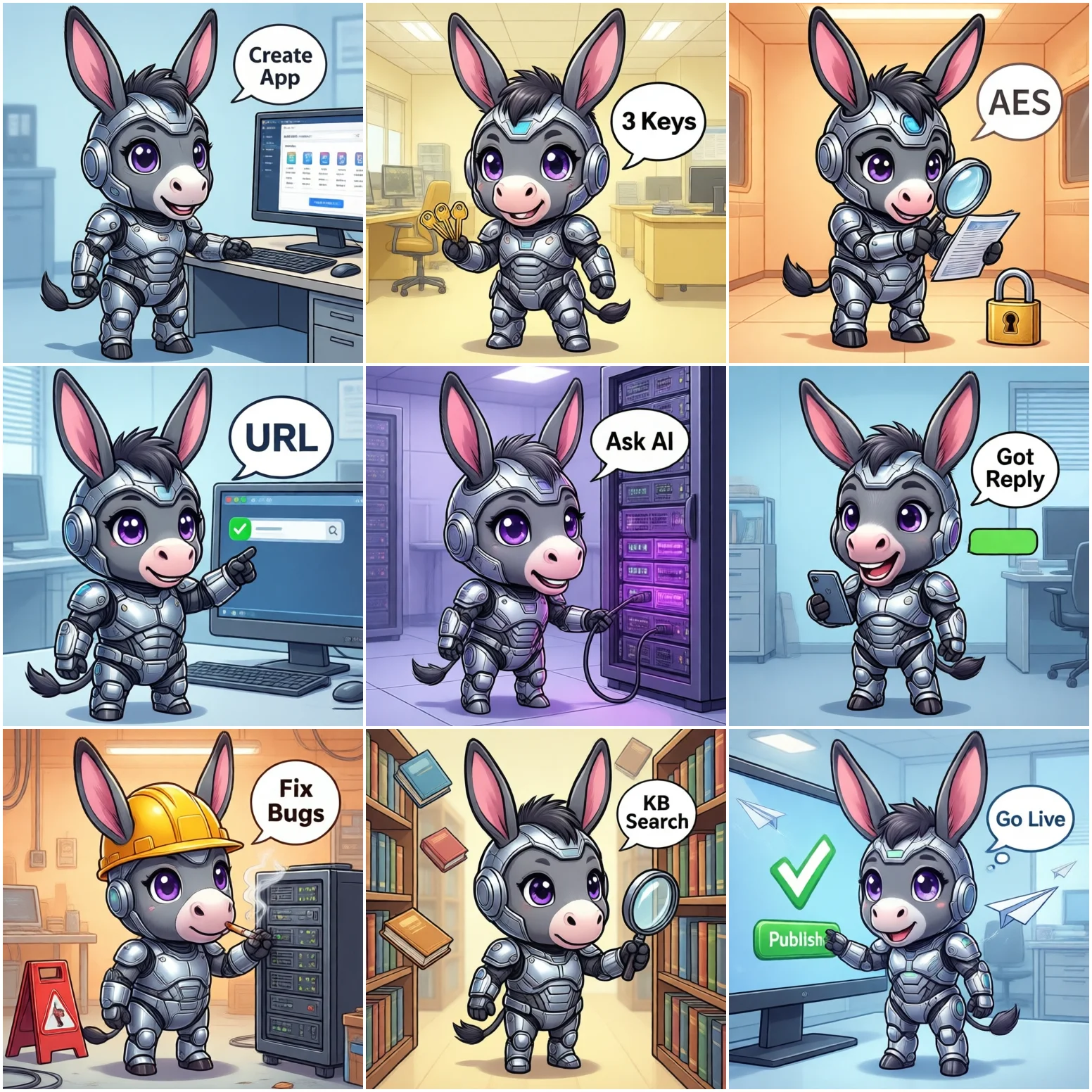
work.weixin.qq.com (as company admin) → App Management → Self-built → Create AppCorpID (My Company → Company Info → bottom of page)AgentId (on the app details page, numeric)Secret (App details → Secret → View; once you leave the page you must reset it to see it again)Token (any random string you make up) and EncodingAESKey (click "generate random")WeCom callback verification is one layer deeper than Feishu: the GET request carries msg_signature, and echostr is AES-encrypted — you must decrypt it first, then return it as-is. Copy this code:
import hashlib, base64, struct
from flask import Flask, request, Response
from Crypto.Cipher import AES

app = Flask(__name__)

TOKEN = "your-token"
AES_KEY = "your-encoding-aes-key"  # 43 chars; append "=" in code
CORP_ID = "your-corp-id"

def decrypt_msg(encrypted):
    key = base64.b64decode(AES_KEY + "=")
    cipher = AES.new(key, AES.MODE_CBC, key[:16])
    plain = cipher.decrypt(base64.b64decode(encrypted))
    pad = plain[-1]
    plain = plain[:-pad]                      # strip PKCS7 padding
    plain = plain[16:]                        # strip 16-byte random prefix
    msg_len = struct.unpack("!i", plain[:4])[0]
    return plain[4:4 + msg_len].decode()      # the message body

def verify_signature(signature, timestamp, nonce, echostr):
    s = "".join(sorted([TOKEN, timestamp, nonce, echostr]))
    return hashlib.sha1(s.encode()).hexdigest() == signature

@app.route("/wecom/callback", methods=["GET"])
def verify_url():
    args = request.args
    if verify_signature(args["msg_signature"], args["timestamp"],
                        args["nonce"], args["echostr"]):
        return Response(decrypt_msg(args["echostr"]), mimetype="text/plain")
    return "signature error", 403

@app.route("/wecom/callback", methods=["POST"])
def receive_msg():
    # WeCom POSTs { Encrypt: "..." }; verify signature, then decrypt.
    # The decrypted payload is XML: <MsgType>text</MsgType> + Content + FromUserName...
    # Log it for now; swap in the AI call in step 4.
    return Response("success", mimetype="text/plain")

if __name__ == "__main__":
    app.run(host="0.0.0.0", port=8080)
⚠️ Dependencies: pip install flask pycryptodome. WeCom requires the callback to return plain text success (not JSON) — anything else and it keeps retrying delivery.
ngrok http 8080 (cloudflared or bore work too)https://xxxx.ngrok-free.apphttps://xxxx.ngrok-free.app/wecom/callback → Saveverify_url() returns the decrypted echostr and the save succeedsThe POST callback payload is XML after decryption — parse it with xml.etree, call your AI, then reply to the employee via the "send app message" API:
import requests, xml.etree.ElementTree as ET

def get_access_token():
    url = "https://qyapi.weixin.qq.com/cgi-bin/gettoken"
    r = requests.get(url, params={"corpid": CORP_ID, "corpsecret": SECRET},
                     timeout=10)
    return r.json()["access_token"]          # valid 2h; cache it

def send_to_user(user_id, content):
    token = get_access_token()
    url = "https://qyapi.weixin.qq.com/cgi-bin/message/send"
    requests.post(url, params={"access_token": token}, json={
        "touser": user_id,                    # UserID, not phone/name
        "msgtype": "text",
        "agentid": AGENT_ID,
        "text": {"content": content}
    }, timeout=10)

# inside receive_msg(), after decrypting xml_str:
root = ET.fromstring(xml_str)
user_id = root.findtext("FromUserName")      # employee UserID
content = root.findtext("Content")           # the employee's text

reply = ask_ai(content)                       # call your self-hosted AI
send_to_user(user_id, reply)
Once it works end to end, add:
proxy_pass http://127.0.0.1:8080) or deploy directlyWeCom verifies the URL with a GET carrying msg_signature — not a plain challenge echo like Feishu. The two most common causes: the signature string isn't built from Token/timestamp/nonce/echostr sorted then concatenated; or echostr is returned as ciphertext without decrypting.
The callback handler must return plain text success (Content-Type: text/plain). Return JSON or a non-200 status and WeCom retries at 3s/10s/1min intervals, flooding your logs.
return Response("success", mimetype="text/plain"). Acknowledge first, then process the AI call asynchronously — otherwise slow AI responses trigger retries.
All WeCom APIs check the server's egress IP. During local debugging your IP changes constantly, so calls fail with 60020.
Two most common causes: touser is set to a name or phone number, but the API only accepts UserID (the alphanumeric ID in the address book); or the app's visible scope doesn't include this employee.
FromUserName from the callback XML as touser — it's the UserID and always works. Before sending, confirm the employee is inside the app's visible scope.
Next steps (by priority):