The integration is not the hard part — not knowing which link broke is
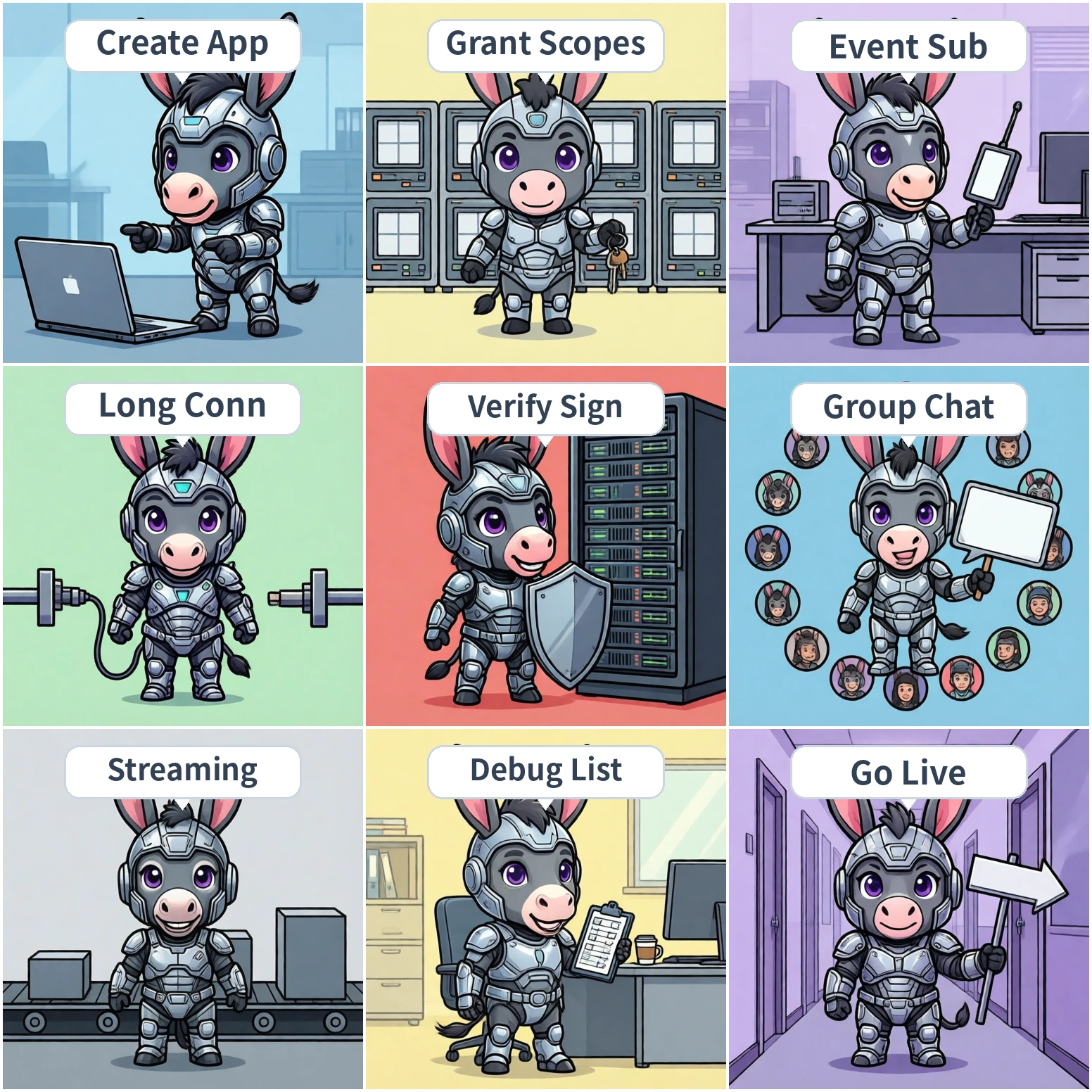
Strip away the branding and a Feishu AI bot is three things combined: an application identity (who is speaking), an inbound channel (how the user's message reaches you), and an outbound channel (how your answer gets back into the conversation).
| Link | What you do | Typical symptom when it breaks |
|---|---|---|
| Identity | Create a custom app, obtain App ID and App Secret | Every API call returns an auth error |
| Inbound | Event webhook or long connection | Your server log shows no request at all |
| Outbound | Call the send-message API to post the answer | Request arrives, but nothing appears in chat |
These three links are serial: if an earlier one is broken, the later ones never produce a visible symptom. That is why the first rule of debugging is to verify link by link instead of suspecting the model or your code first.
Create an enterprise custom app in the Feishu open platform console. You get two values: App ID and App Secret. They are used to exchange for an access token (tenant access token), which authenticates every subsequent API call.
Verification for this step is simple: exchange credentials for a token once. If you get one back, the identity link works.
# Exchange for an access token (illustrative; confirm fields in official docs)
POST /open-apis/auth/v3/tenant_access_token/internal
{
  "app_id": "cli_xxx",
  "app_secret": "xxx"
}
# On success: access_token plus an expire value in seconds
Key point: tokens expire. Do not re-exchange on every request, and do not hardcode a token for long-term use. Cache it and refresh ahead of expiry — for example, re-exchange when less than five minutes remain.
Feishu scopes are granted capability by capability, not "enable the bot and everything works". An AI bot scenario usually touches three groups:
| Scope group | Purpose | What happens if missing |
|---|---|---|
| Messages and groups | Receive message events, send messages, read group info | Events arrive but replies fail, or nothing arrives at all |
| Contacts (optional) | Map a user identity to an internal account | You cannot tell who is asking, so permission tiers are impossible |
| Docs and wiki (optional) | Let the bot read enterprise documents to answer | Knowledge answers fail or go off topic |
Key point: after requesting scopes you usually must publish a version and wait for admin approval. Many people change scopes, test immediately, and still see failures — the version was never published. Verify this step by checking that the scope status reads "effective", not merely "requested".
This is the most consequential choice in the whole guide. Feishu supports two ways to deliver messages to your service, and they fit very different situations:
| Dimension | Event webhook | Long connection |
|---|---|---|
| Mechanism | Feishu POSTs to your public URL | Your service connects out and holds a persistent link |
| Public URL required | Yes, and it must be HTTPS | No |
| Signature verification | Required | Not required (the connection itself authenticates) |
| Best for | Teams that already run a public service | Intranet, local development, private deployments |
| Main risk | Unreachable URL, certificate issues, signature mismatch | Connection drops and needs automatic reconnect |
The decision rule is direct: does your service have a publicly reachable HTTPS address? If yes, prefer the webhook — it is more standard and easier to inspect. If no (intranet, private deployment, local debugging), use the long connection.
If the company is going down a private-deployment path overall, the long connection is usually the lower-friction option and makes the data boundary easier to explain. For the wider trade-offs, see how to choose a private AI deployment approach.
If you pick the webhook, your server has to handle more than "receive the message". Three items are routinely skipped:
When you register the callback URL, Feishu first sends a verification request. You must echo the challenge value back unchanged before the URL is marked verified. If this fails, no event will ever be delivered.
Real events carry a signature header. Your server must recompute the signature from the app credentials using the documented algorithm and compare; reject on mismatch. Skipping this exposes your bot endpoint to anyone — it is a security baseline, not a nice-to-have.
Return success quickly and push the actual work (especially LLM calls) onto an async queue. If you block until the model finishes, the request times out, Feishu retries, and the same message gets processed more than once.
Idempotency is the item most often missed here: events can be delivered more than once, so deduplicate by event ID — otherwise users see the bot answer the same question twice.
With scopes and channel working, one more thing remains: the bot must be in the conversation. In group chat it has to be added to the group, and by default it only receives messages when mentioned — that is product design, not a bug.
| Scenario | Trigger | Watch out for |
|---|---|---|
| Group chat | Bot is mentioned | Message text usually contains a mention placeholder; strip it before using the question |
| Direct chat | User messages the bot directly | Direct-chat capability must be enabled and the version published |
| Topic group | Mentioned inside a topic | Reply must land in the same topic or it leaks into the main group |
Teams running several IM platforms should note one more thing: message structures, mention syntax, and rich-text formats differ across platforms. Put "extract the user question" behind a platform-neutral layer so that adding WeCom or DingTalk later does not mean rewriting business logic — see DingTalk vs Feishu vs WeCom AI bot.
AI answers take seconds to tens of seconds. If you send the finished text in one shot, users read it as "the bot froze". Streaming means posting a placeholder message first, then updating that same message incrementally.
# Illustrative flow (confirm endpoints and fields in official docs)
1. Receive event -> return success immediately
2. Send a placeholder message, keep its message_id
3. Stream model output -> update the message every 300-500 ms
4. On completion -> one final full update
Key point: do not update too often — the send API is rate limited and per-token updates will be throttled; do not update too rarely either, or it is no better than a single send. In practice 300–500 ms is a stable band, and you should degrade to a single send if updates start failing.
"Integration finished" is not "ready to launch". Tick every row below; if any is unverified, do not declare it done.
| # | Check | Criterion |
|---|---|---|
| 1 | Credentials exchange for a token | A standalone script succeeds, independent of business code |
| 2 | Scopes are effective | Console shows "effective", not "requested" |
| 3 | Inbound channel works | Server log shows real events, not just the verification request |
| 4 | Signature verification on | Forged requests are rejected and logged |
| 5 | Idempotency implemented | A duplicate event is processed once |
| 6 | Group and direct chat both tested | Both entry points answer correctly |
| 7 | Streaming works | Time to first visible text is clearly shorter than full generation |
| 8 | Failures degrade gracefully | Model timeout or rate limit produces a readable message, never silence |
First confirm the callback URL passed verification, then confirm the event is actually subscribed — holding the scope without subscribing the event still delivers nothing.
Usually scopes not effective or version not published. Check scope status and publish the version again.
Check whether you signed the raw request body. Many frameworks parse JSON automatically, which breaks the signature — compute over the unparsed body.
Usually a missing send-message scope, or the wrong conversation identifier. Confirm whether you are sending to a chat_id or an open_id — they are not interchangeable.
Confirm the bot was added to the group and the event subscription includes group messages. Direct chat working while groups do not is almost always this one.
Callback timed out and Feishu retried. Move processing to async and deduplicate by event ID.
Reduce update frequency to one per 300–500 ms, and degrade to a single send when throttled instead of failing outright.
First confirm the deployed environment can reach the internet (token exchange requires it). For intranet environments, switch to the long connection rather than fighting egress policy.
The hard part of a Feishu AI bot is not writing code — it is splitting the four links apart so each one is independently verifiable. Identity, scopes, inbound, outbound: when any of them is dark, the symptom is identical — "nothing happens". Without per-link verification, you can only guess.
Treat the seven steps as a build order, the eight entries as a lookup table for when you are stuck, and the checklist as the launch gate. That sequence takes roughly half a day to a day. The rest of your time belongs to answer quality and permission boundaries — that is what actually decides whether anyone uses the bot.